
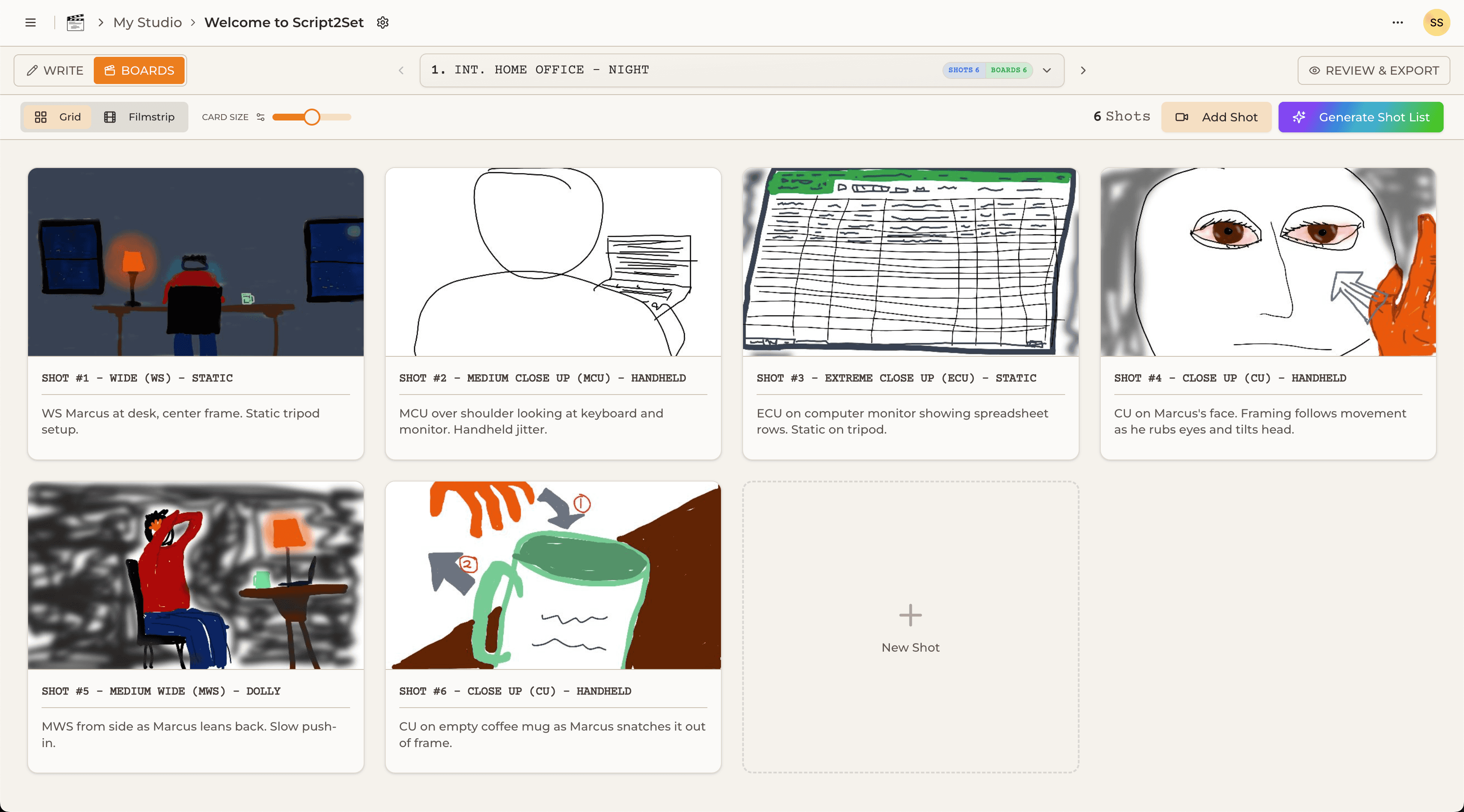
If you've searched for storyboard software recently, Boords has almost certainly shown up near the top of the results. It's been around since 2015, it's beautifully designed, and it's used by over a million video professionals worldwide. For a certain kind of user — animation studios, ad agencies that live and breathe the storyboard — it's genuinely excellent.
But if you're a director, DP, or independent filmmaker whose pre-production workflow starts with a script breakdown and a shot list, Boords starts to show its limits pretty quickly. Here's an honest comparison of where each tool excels, where each falls short, and how to figure out which one is right for your production.
What Boords Does Well
Boords was built by the founders of Animade, a London animation studio, and that origin shows in the product. It's a storyboard-first tool — meaning the storyboard frame is the fundamental unit of the entire application. You build frames, arrange them, add camera move overlays, and share them with clients via a clean link. The client approval workflow is particularly strong: clients can comment directly on frames without needing an account, and you can lock frames for approval. For agencies that send storyboards to clients for sign-off before production, this is a real time-saver.
Boords also has a solid AI image generation feature, though like most tools in this space, it struggles with character consistency across frames. You can describe a scene and get a generated image, but keeping your protagonist's face consistent between shot 4 and shot 22 requires careful prompt engineering rather than any built-in identity preservation.
The interface is clean, fast, and genuinely pleasant to use. If your workflow is storyboard-centric — if the visual frame is where you start and the shot data is secondary — Boords is a well-made tool.
Where Boords Falls Short for Filmmakers
The fundamental limitation of Boords is that it has no shot list. There's no concept of a script breakdown, no table view of all your shots with size, lens, gear, and notes attached, and no AI that parses your script to generate a first-draft production plan. Boords assumes you already know what shots you need — it's a tool for visualizing and communicating shots, not for figuring out what shots you need in the first place.
For directors and DPs who think in terms of coverage — who want to see every shot in a scene laid out in a table, check whether they've covered every angle, and attach gear notes before they think about sketching frames — this is a significant gap. You end up doing your shot list in a spreadsheet, your storyboard in Boords, and your gear manifest in a third place, then manually keeping all three in sync.
Boords also has no concept of project type. It doesn't know whether you're making a documentary, a commercial, or a music video, and it has no way to generate context-aware suggestions based on genre, crew size, or production constraints. It's a blank canvas tool, which is either a feature or a limitation depending on how much structure you want your pre-production software to provide.
Pricing sits at $44/month for the Standard plan (3 teammates) and $89/month for Workflow (unlimited teammates). For solo filmmakers, $44/month is a meaningful expense for a tool that only handles one part of the pre-production workflow.
What Script2Set Does Differently
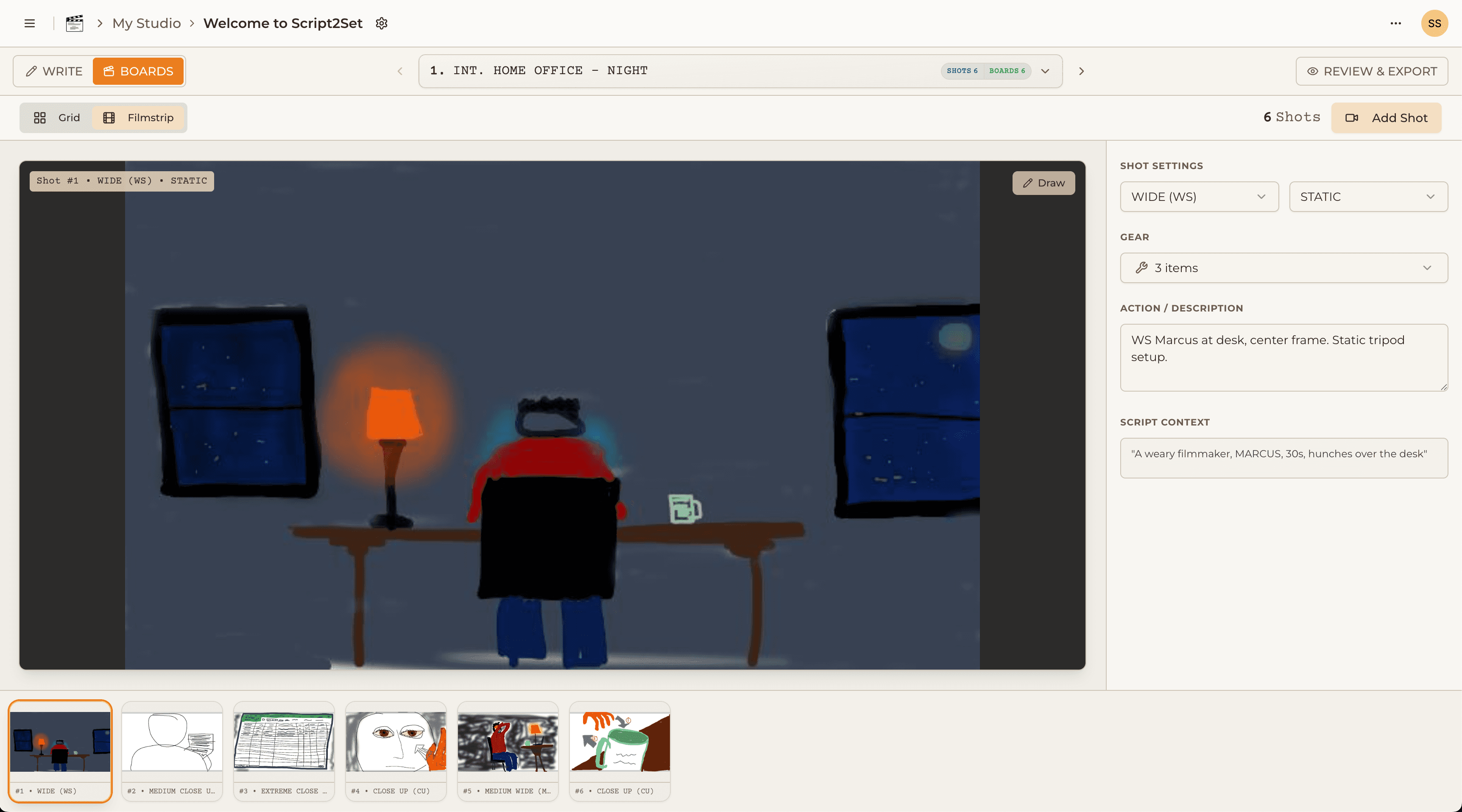
Script2Set starts where Boords doesn't: the script. Import your screenplay, tell the system what kind of project you're making, add your gear list and any creative direction, and the AI generates a first-draft shot list — shot sizes, setups, and global gear needs already populated. From there, every shot card opens into a sketching canvas where you can draw frames, add blocking notes, and annotate with exactly what's in your head.
The shot list and the storyboard live in the same place. You see your production in list view, grid view, or filmstrip view depending on how you're thinking about it. The gear manifest builds itself from your shots. The final PDF — formatted for your crew, your rental house, or your client — comes out of the same workflow, not from a separate export step in a separate tool.
Script2Set also understands project context in a way Boords doesn't. The AI that generates your shot list knows the difference between a documentary (handheld, observational, interview setups) and a commercial (precise coverage, multiple setups per shot, client-facing deliverables). Your shot list suggestions and workflow adapt accordingly.
The Honest Summary
If you work primarily in animation or high-volume storyboard production and your workflow starts with frames rather than scripts, Boords is a mature, polished tool that will serve you well. If you're a filmmaker, director, or DP whose pre-production starts with a script breakdown and needs the shot list, storyboard, and gear manifest to live in the same integrated workspace, you're solving a problem Boords wasn't built for.
Script2Set is currently in early access. Founding Crew members get lifetime access at a one-time price before public launch.